

Mobile App vs Web App: Which One Fits Your Business?
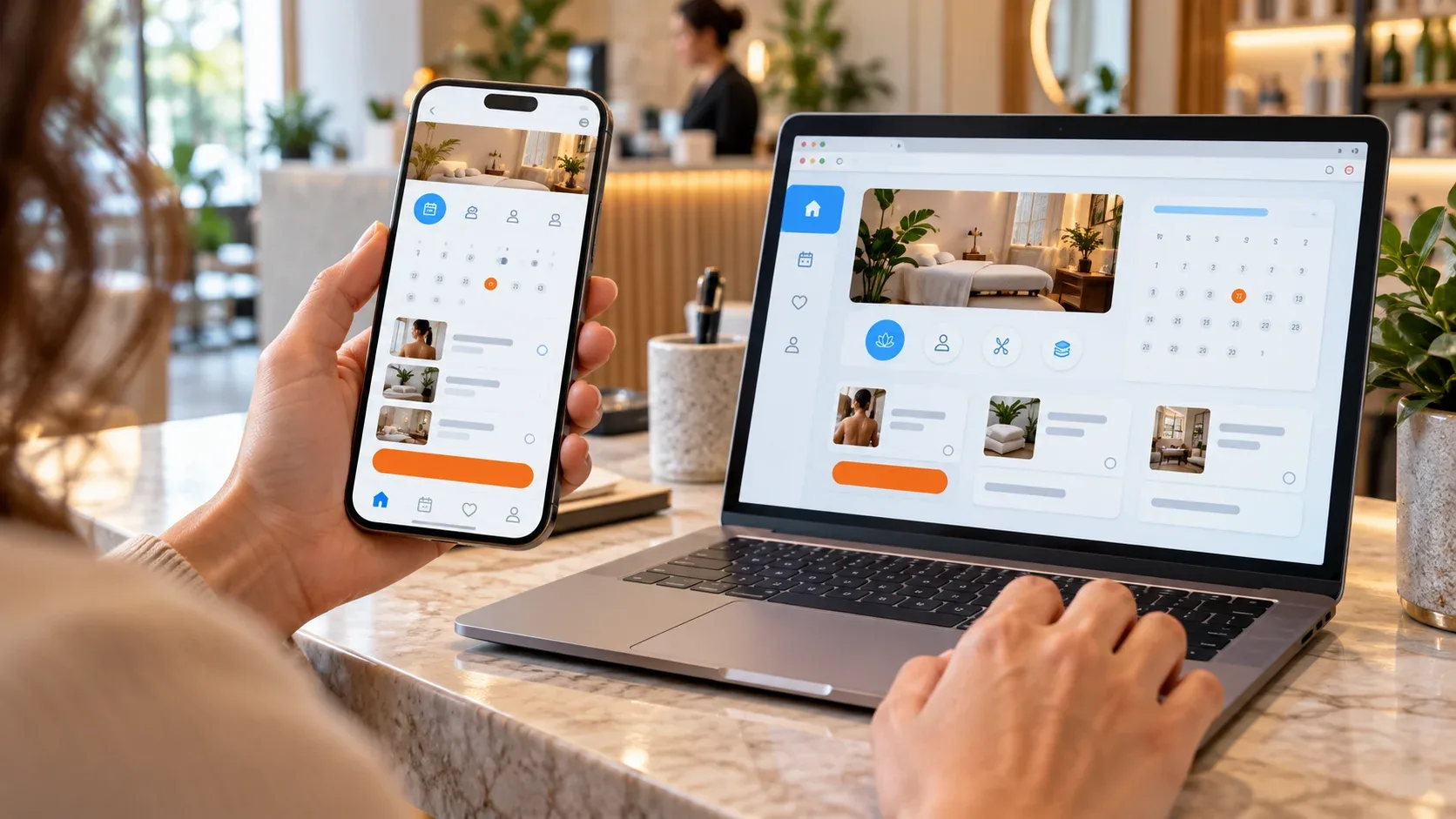
What is the difference between a mobile app and a web app?
A mobile app is software installed on a phone from an app store, while a web app is software that runs in a web browser and is opened with a link. Both can look similar on screen, but they differ in how people find them, what device features they can use and how they are updated.
A mobile app can be native, hybrid or cross-platform, and it lives on the home screen after installation. A web app is built with web technologies, works on phones, tablets and computers, and always serves the latest version when the page loads. Our guide to the difference between native and hybrid apps explains the mobile build options.
Decide by the user's task, not by the appeal of having an app. If customers use your product a few times a year, a fast web experience usually serves them better. If they use it every week and need phone features, an app earns its place on the home screen.
How do mobile apps and web apps compare?
Mobile apps win on device features, notifications and repeat engagement, while web apps win on reach, instant access and lower upkeep. The table compares mobile apps, web apps and progressive web apps (PWAs) on the factors that drive the decision.
| Factor | Mobile app | Web app | Progressive web app |
|---|---|---|---|
| How users get it | Download from the App Store or Google Play | Open a link in any browser | Open a link, then optionally install |
| Devices | iOS and Android phones and tablets | Any device with a browser | Any device; install support varies by browser |
| Device features | Full access, including camera, GPS, biometrics and Bluetooth | Limited to what browsers expose | Browser features plus install and offline support |
| Updates | Users download new versions after store review | Live for everyone as soon as you deploy | Live as soon as you deploy |
| Platform costs | Apple 99 US dollars a year; Google 25 US dollars one time; store commission on digital sales | Hosting only | Hosting only |
| Found through | App store search and links | Google search, ads, links and social posts | Search and links |
| Best for | Frequent, device-dependent tasks | Broad access, dashboards, booking and tools | Repeat use without store friction |
Store commission applies to digital goods and subscriptions sold inside the app. Apple's App Store Small Business Program offers a reduced 15% commission to developers with up to 1 million US dollars in proceeds in the prior calendar year, and Google Play's service fees vary by market. Outside the US, EEA, UK, Japan and Australia, Google charges 15% on the first 1 million US dollars a developer earns each year, while those five markets moved to a new structure with a separate billing fee in 2026.
When does a mobile app make sense for a business?
A mobile app makes sense when customers return often and the app does something the browser cannot do well. Loyalty, ordering, fitness, learning, field service and banking apps are common examples.
- Customers use the product weekly or daily, so a home screen icon saves them time.
- The core task needs the camera, GPS, biometrics, Bluetooth or background activity.
- Push notifications deliver real value, such as order updates or appointment reminders.
- Users need the product to work offline or on weak connections.
- You can fund ongoing releases for iOS and Android updates.
Before you launch, plan for store review. Apple's App Review page says it typically reviews at least 50% of submissions in less than 24 hours and 90% in less than 48 hours, and that over 40% of unresolved issues relate to guideline 2.1, App Completeness, which covers crashes, placeholder content and incomplete information.
When is a web app the better choice?
A web app is the better choice when reach and speed of access matter more than device features. A first-time visitor can use a web app straight from a link, while a store app asks them to download and install something first.
- Customers find you through Google search, ads or social posts and need to act right away.
- The product is used occasionally, such as quotes, bookings, client portals or calculators.
- Your users work on desktops as well as phones.
- You want to ship fixes instantly without waiting for store review.
- You are testing an idea and want real usage data before investing in store apps.
For service businesses that rely on leads, speed often matters more than format. On DesignFXPro's work for Nares Law Group, mobile page load time dropped from 7.8 seconds to 1.9 seconds over nine months, as part of a wider program in which monthly case inquiries grew from about 28 to 118. Results vary by site and market.
Can a progressive web app be the middle ground?
Yes, a progressive web app can give you installable, app-like features while staying on the web. A PWA is a website that users can add to their home screen and that can show an offline fallback when the connection drops.
Chrome sets clear install criteria. According to web.dev, the app must be served over HTTPS and have a web app manifest with a name or short_name, a start_url, a display mode such as standalone, and both a 192px and a 512px icon. Browser support for installation and device features varies, so test the PWA on the phones your customers actually use.
A PWA suits businesses that want repeat engagement without the cost of two store apps. It is a weaker fit when the core feature depends on hardware access that browsers do not offer.
How should you choose what to build first? A step-by-step checklist
Choose by testing demand before committing to the most expensive option. These steps keep the first version small and the decision based on data.
- Write down the one job customers need done and how often they need to do it.
- List the phone features that job truly requires, such as camera, GPS, notifications or offline use.
- Check where customers find you today: search and ads favor the web, while existing loyal customers may download an app.
- Sketch the key screens and run a quick usability test with five to eight real customers.
- Launch the smallest useful version, usually a fast mobile website or web app, with analytics set up.
- Measure repeat visits, task completion and drop-off points for at least a few weeks.
- Add PWA features if people return often, or plan a store app if they need device features the browser cannot provide.
- Budget for maintenance from the start: store fees, OS updates, security fixes and new releases.
If you do move to a store app, our guide to the mobile app development timeline shows how long each stage usually takes.
How does DesignFXPro help you decide?
DesignFXPro builds websites, web apps and mobile apps, so we recommend the format your customers' behavior supports. We use our Discover, Strategize, Execute and Optimize process for every product decision.
- Discover: we review your analytics, customer journeys and competitors to see how people find and use your business today.
- Strategize: we match the format to the task and set revenue-linked KPIs, such as bookings or repeat orders, instead of download counts.
- Execute: we design and build the product through our mobile app development services or web development services.
- Optimize: we track real usage and improve the product weekly, with one tracking setup across your site, app and ads.
A store app is a poor fit when your analytics show customers visit only a few times a year. To test your own case with DesignFXPro, book a free consultation and bring your current traffic and usage numbers.
Common mistakes when choosing between a mobile app and a web app
The most expensive mistake is building an app nobody needed to install. These are the errors DesignFXPro sees most often.
- Building an app because competitors have one, without checking how often customers would use it.
- Expecting an app to generate new leads on its own, when people have to find your business before they will install anything.
- Launching a store app with placeholder content or untested flows, which App Review flags under App Completeness.
- Ignoring the mobile website while the app is built, even though search, ads and social links still send new visitors there.
- Forgetting store commission when pricing in-app digital purchases and subscriptions.
- Skipping usability testing, so problems surface after launch when they cost more to fix.
Frequently asked questions
Is a website the same as a web app?
A web app lets users complete tasks, such as logging in, booking, paying, tracking orders or managing data. Many business sites combine both, for example a marketing site with a client portal or booking tool built in.
Do I need a mobile app if my website works well on phones?
An app becomes worth it when customers return often, need phone features or benefit from push notifications. Measure repeat use on the website first, then decide.
Are native mobile apps faster than web apps?
Page weight, caching and server speed usually matter more than the format for these everyday tasks. Test both on a mid-range phone before deciding.
Can I start with a web app and add a mobile app later?
Then a later iOS or Android app can reuse the same data, accounts and business logic, and you only build the new interface. Usage data from the web app also tells you which features belong in the store app.
Can a progressive web app send push notifications?
How much does it cost to publish a mobile app?
Both stores also take a commission on digital goods and subscriptions sold in the app. Development and maintenance costs depend on scope.